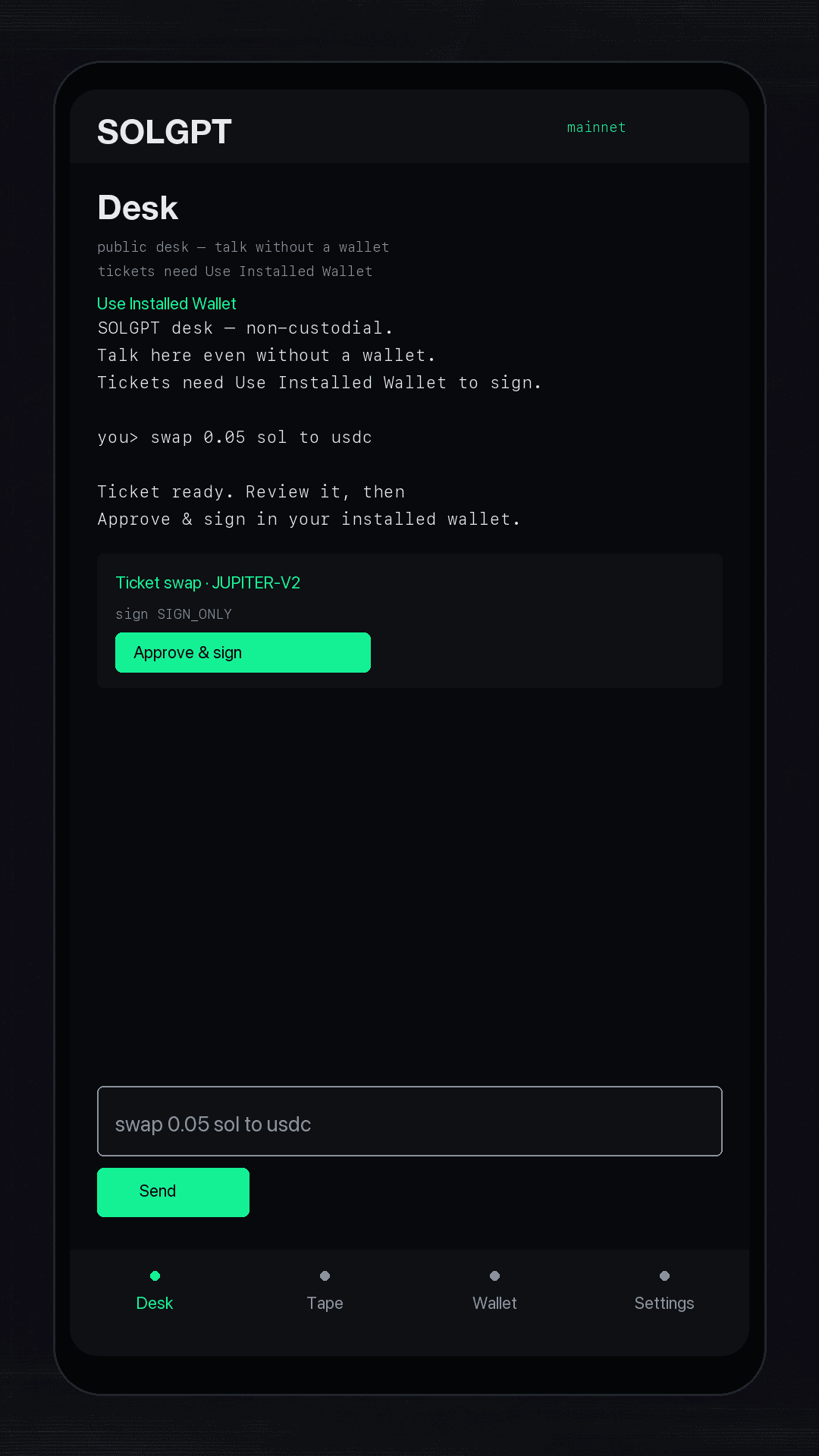
STEP 01
Talk to the desk
Ask for a swap in plain language. Public chat works without a wallet; tickets wait for Use Installed Wallet.
SOLGPT turns a conversation into readable assistant text and a transparent ticket, then Use Installed Wallet signs it. Talk without a wallet; you only need one for tickets. Private keys never enter the app.
The mobile flow
These screens match the shipped Android Compose UI. Public chat works without a wallet; tickets need Use Installed Wallet.
STEP 01
Ask for a swap in plain language. Public chat works without a wallet; tickets wait for Use Installed Wallet.
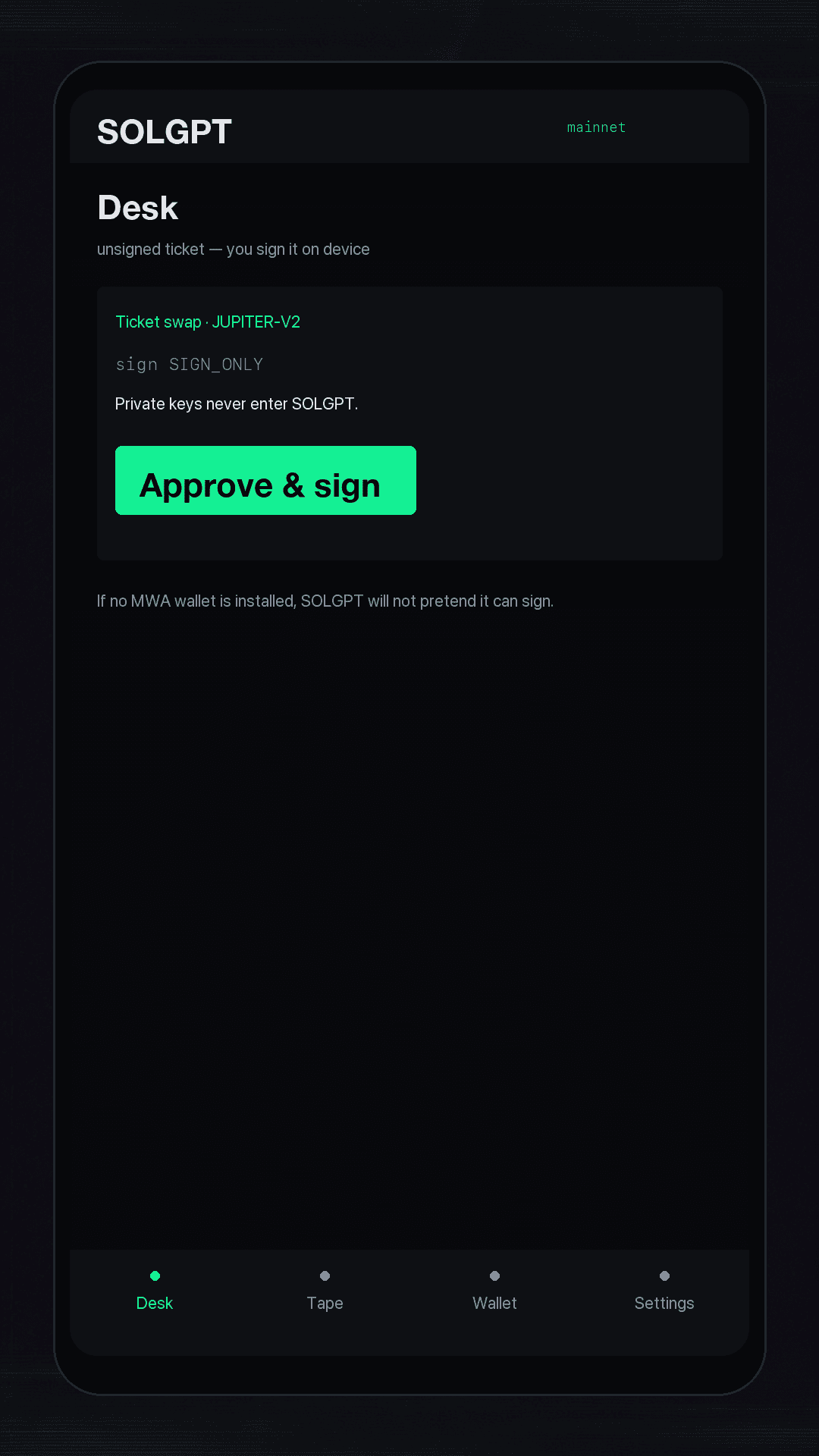
STEP 02
See the route, amounts, price impact, and fees before anything reaches your wallet.
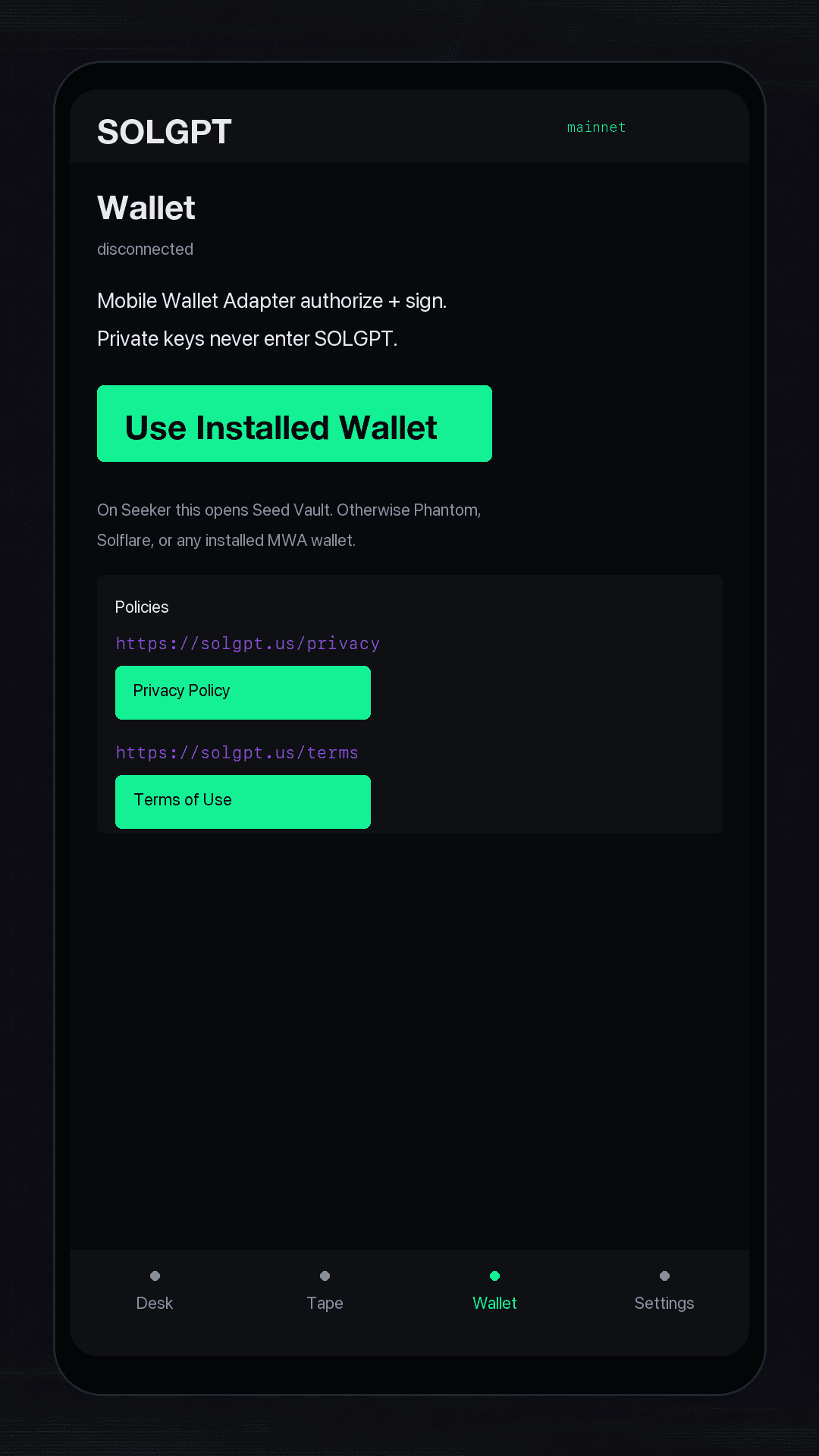
STEP 03
Tap Use Installed Wallet. Authorize and sign-in happen in one tap (MWA signIn), then tickets sign-only in your wallet.
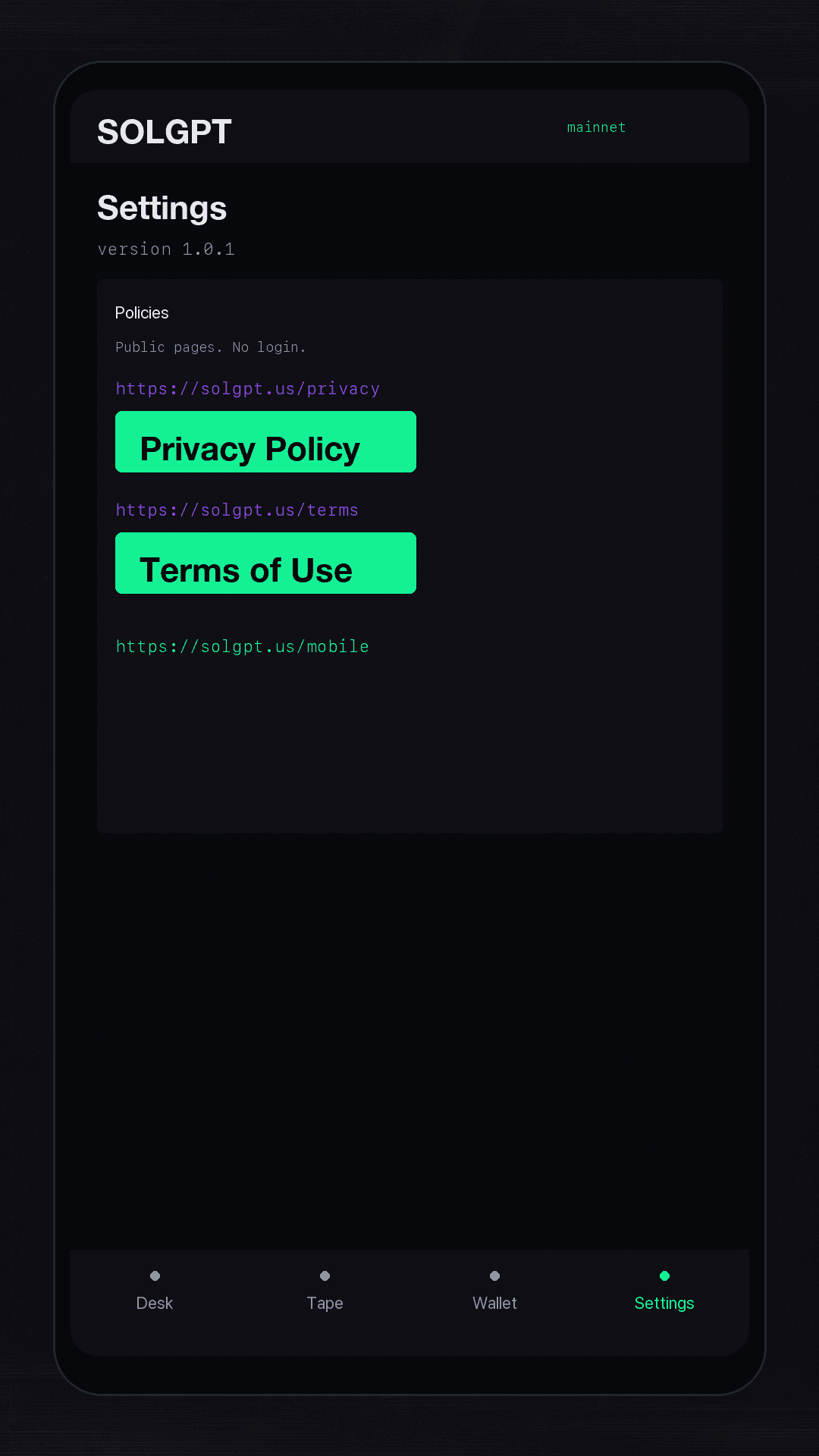
STEP 04
Settings and Wallet open the public Privacy Policy and Terms of Use. No login required.
Turn intent into a readable Solana transaction without leaving the desk.
SOLGPT prepares the action; your connected wallet remains the final authority.
Your seed phrase and private keys never enter SOLGPT.
Open SOLGPT from the Solana dApp Store and keep every signature where it belongs: in your wallet.
Get SOLGPT for AndroidPublic policies
Store listings and the Android Settings tab point here. No login required.